
Search
Find an item in every container you have opened, and light the containers up in the world.
Press `, or click the magnifier under your inventory, and type a name. On some Mac keyboards that key shows a plus-minus sign.
How far to look #
| Tab | Looks in |
|---|---|
| Nearby | The room you are in: 8 blocks each way. |
| Area | Your base: 64 blocks out, at any height. |
| Loaded | Everything within your render distance. |
| World | Every container Sorted has seen in this world. |
When a tab finds nothing but a wider one would, the screen says so. The tab you pick is remembered.
Grid and list #
- The grid shows an icon and a total per item. Hover one for its name and where it is. The button next to the view switch writes names under the icons.
- The list shows the name, the total and the nearest container with its distance. Click a row to see every container that holds it, with its own count and coordinates.
- Counts are shortened: 1.2K is 1200.
Light them up #
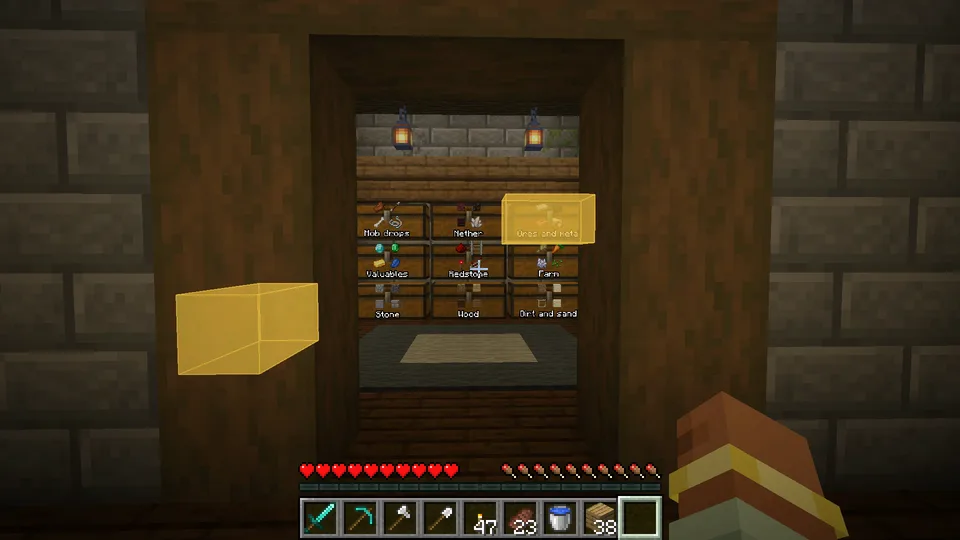
Click an item in the grid, or the magnifier on a row, and the screen closes while every container that holds it lights up, through walls, for 20 seconds. Click one container in an open row to light up only that one. A container stops glowing when you open it.
Search shows what was in each container the last time it was read. See Chest memory.
Something missing or wrong on this page? Say so on Discord.