
Sorting your inventory
The order your inventory is sorted in, the three layouts, and sorting on pickup.
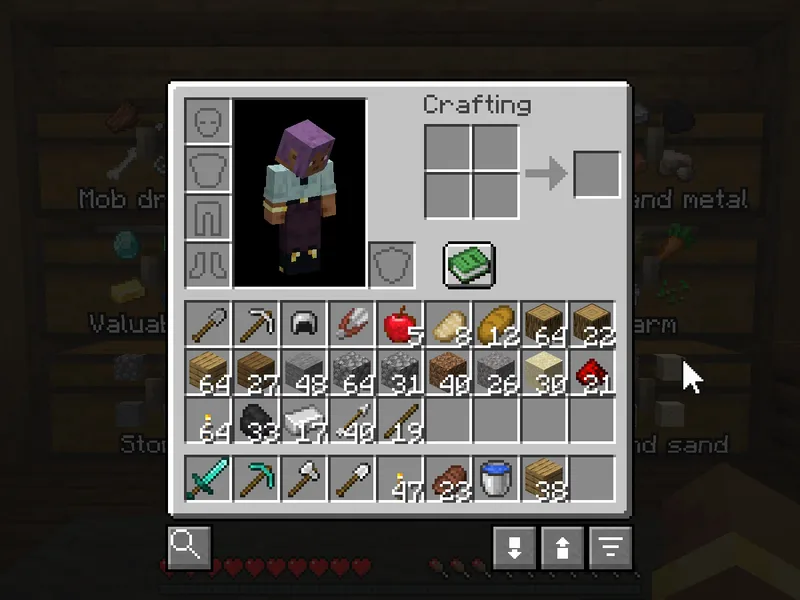
Press R with your inventory or a chest open, or click the sort button under your inventory. Only the main inventory is sorted. Your hotbar, armor and offhand are left alone.
The order #
- Weapons, tools and armor: swords, axes, bows and shields, then pickaxes, shovels and hoes, then armor.
- Food.
- Blocks, grouped by material: all your oak together, all your stone together.
- Everything else.
The order is the same every time, so after a while you know where to look.
Three layouts #
| Click | Layout |
|---|---|
| Click | Compact: everything in order, no gaps. |
| Shift+Click | Columns: each kind of thing gets its own column. |
| Ctrl+Click | Rows: each kind of thing gets its own row. |
Shulker boxes #
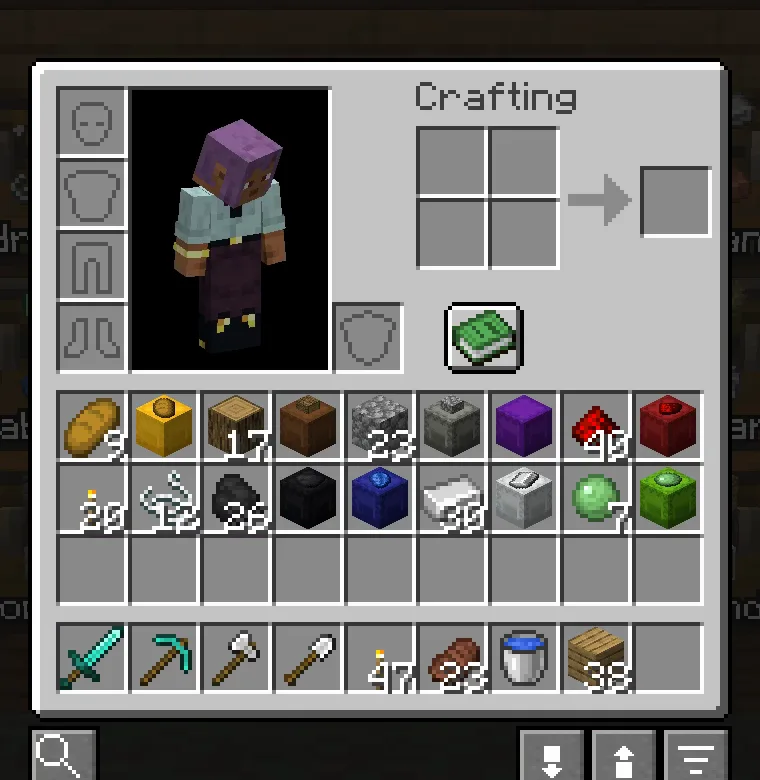
A shulker box is sorted by what is in it. A box of redstone ends up next to your redstone, a box of cobblestone next to your cobblestone.
Sorting on its own #
With Auto-sort inventory on pickup on, your inventory is sorted again shortly after you pick something up, in the layout you used last. It only starts after you have sorted by hand once. It is off by default.
- Auto-sort inventory on pickup default Off
- Sort again after every pickup.
- Merge partial stacks default On
- Combine partial stacks of the same item before sorting, so only one partial stack is left.
Something missing or wrong on this page? Say so on Discord.