
Containers from other mods
Get the chest buttons, Quick Stack and search on chests from storage mods.
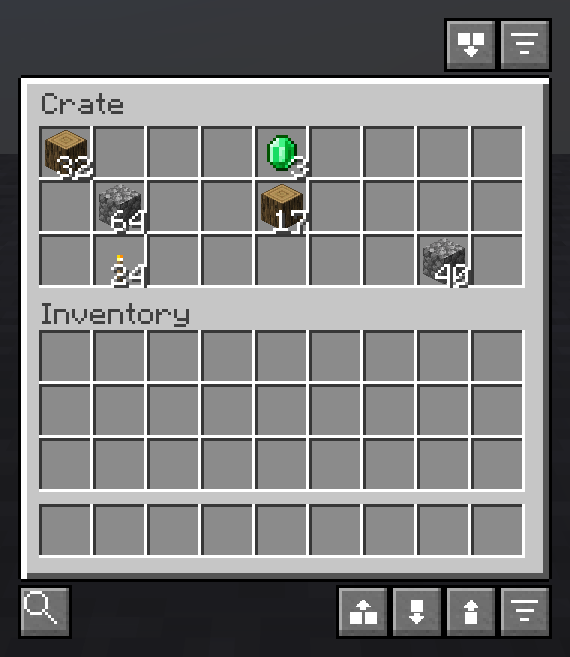
Out of the box, the chest buttons show on vanilla chests, barrels, shulker boxes and ender chests. A container from another mod gets them when that mod asks for it, or when you add it yourself.
Add one yourself #
- Open the container, then close it.
- Type
/sorted storage. It shows the id of that screen and whether it has the buttons. - Type
/sorted storage add, then open the container again.
Only add containers that are plain storage. A sort moves everything in the screen that is not your own inventory, so the fuel or upgrade slots of a machine would be sorted too. A mod that adds its own containers can keep those slots out.
The list is Modded storage screens in the settings, under Sorting. somemod:* adds every screen of that mod. Vanilla screens cannot be added: servers use them for shops and menus, and Sorted keeps leaving those alone. See Servers.
What works on them #
- Sort, Pull All, Quick Empty, Quick Fill and Quick Stack on the open container.
- Search and the labels, once you have opened it.
- Quick Stack and Quick Fill from your inventory, after you have opened one container of that kind. Sorted remembers that kind of block from then on.
- On a server, Auto-scan nearby containers reads them too.
A container that joins with its neighbour, like a large chest, is counted once only when its mod tells Sorted where the other half is. Added by hand, each half is counted on its own.
Something missing or wrong on this page? Say so on Discord.