All mods
Buildprint logo

Buildprint

Available now

See your build before you place a block.

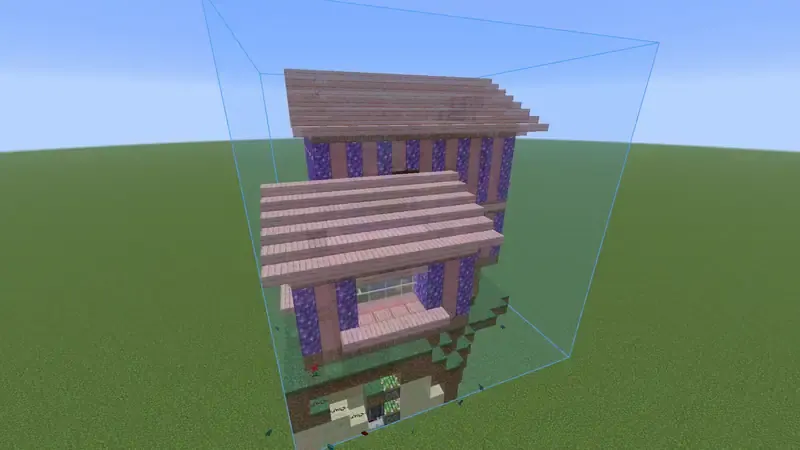
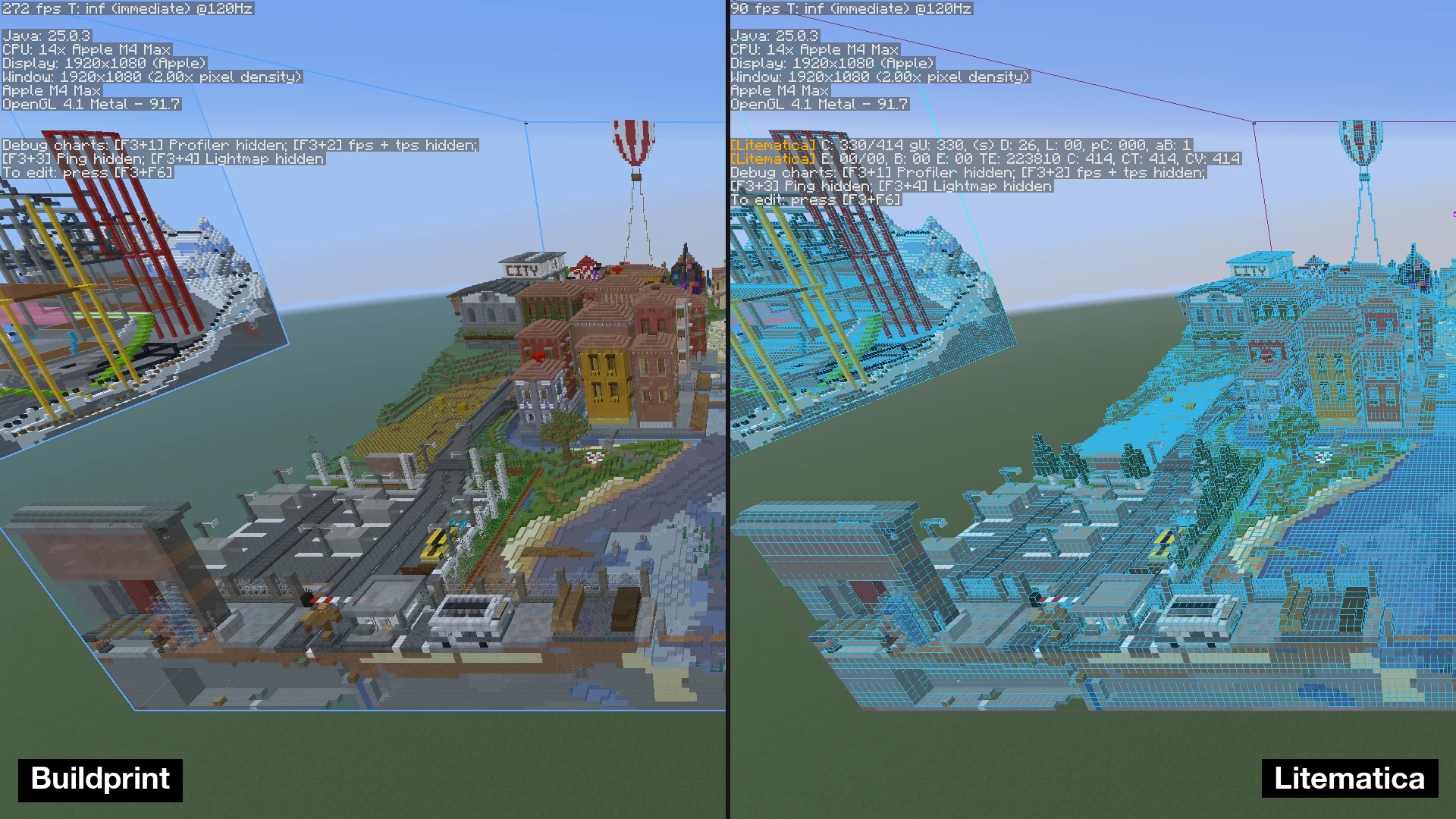
Buildprint is a building assistant that overlays a live ghost preview of your blueprint in the world, showing you exactly what to place next. A modern take on Schematica and Litematica, inspired by Axiom.

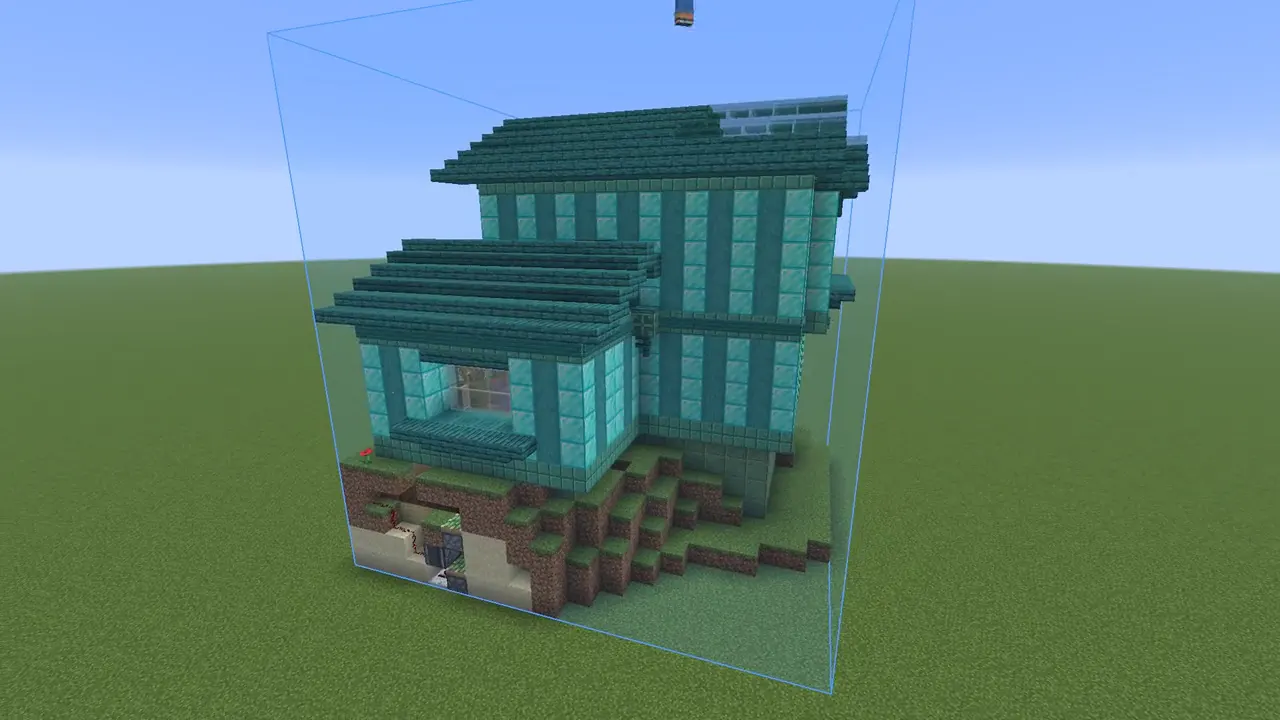
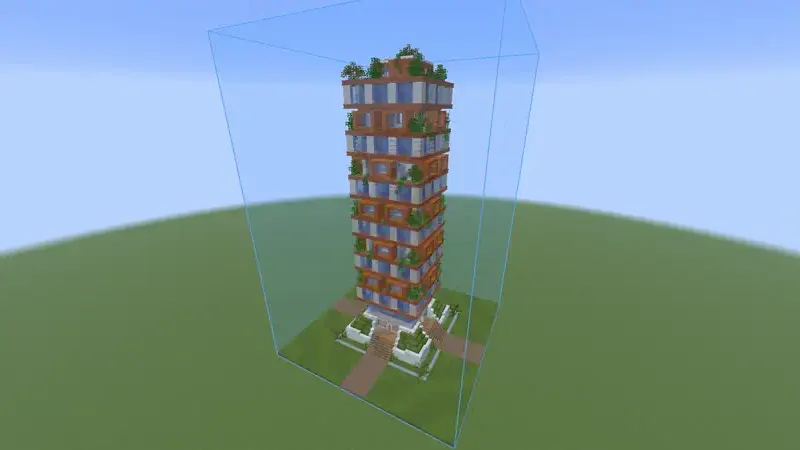
A ghost of your build, in the world

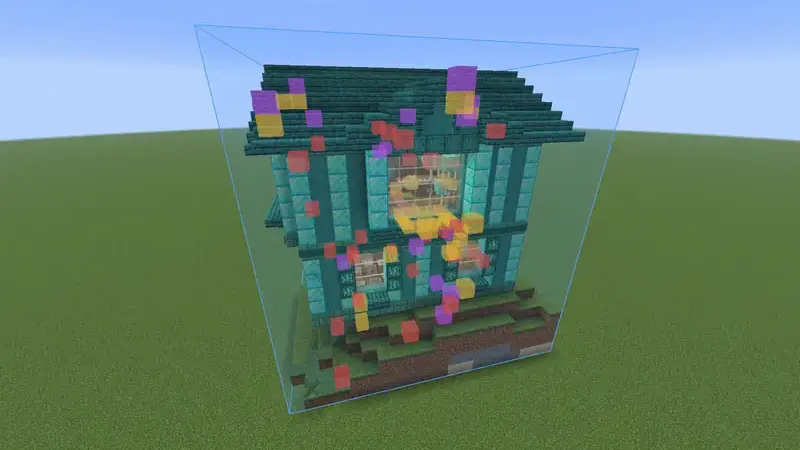
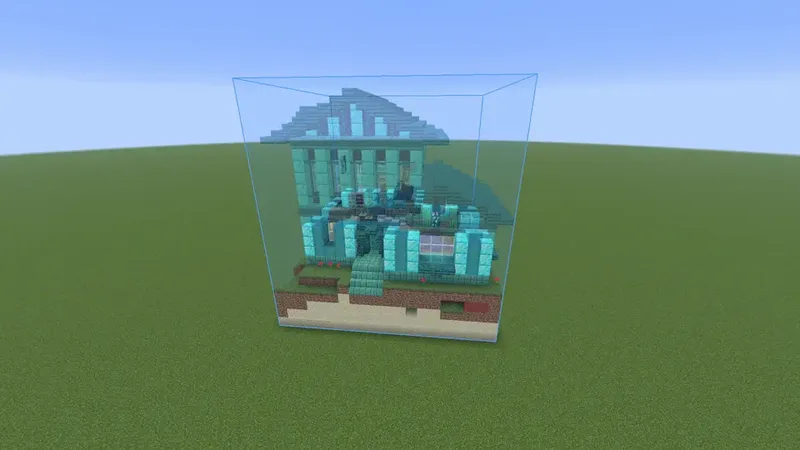
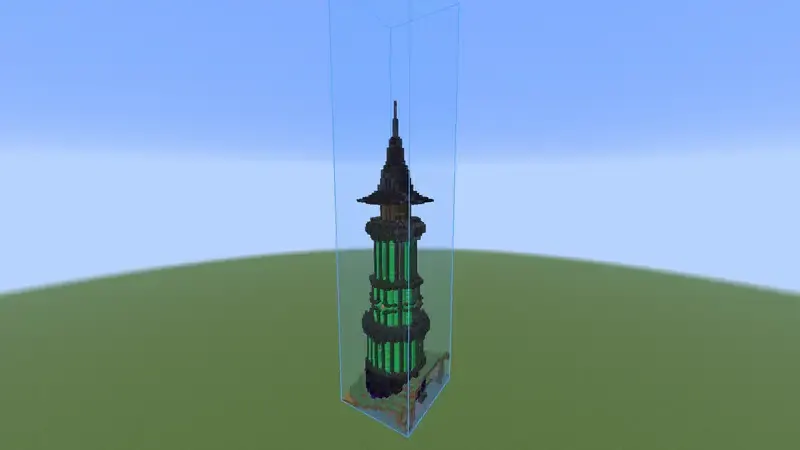
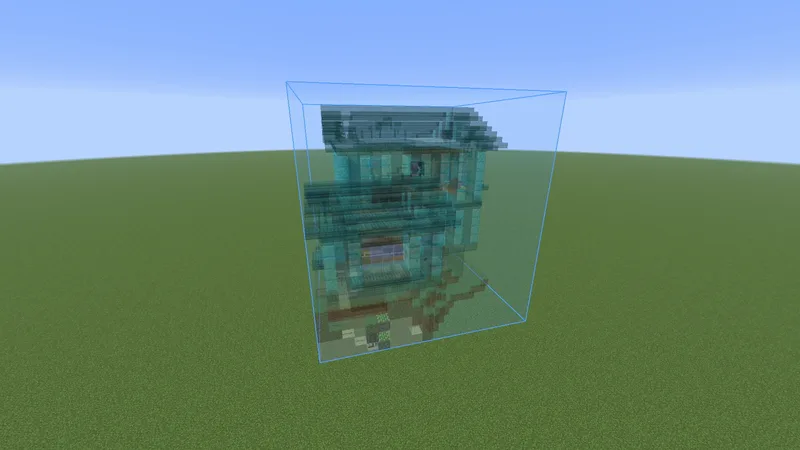
Buildprint draws your loaded schematics as a translucent ghost, right where you will build them — using real block models, not coloured boxes.

  • Real blocks and states, including modded — crisp leaves, see-through glass, animated water and lava
  • Block entities and entities too: chests, signs with their text, shulkers, banners, and mobs, ghosted in place
  • GPU-cached for huge builds at full render distance, and it quietly scales back before it ever freezes
  • Tune ghost opacity, shading and culling — resource packs are respected and it survives a world reload

Always knows what is left

A live read on your progress that updates itself as the world streams in — no refresh button.

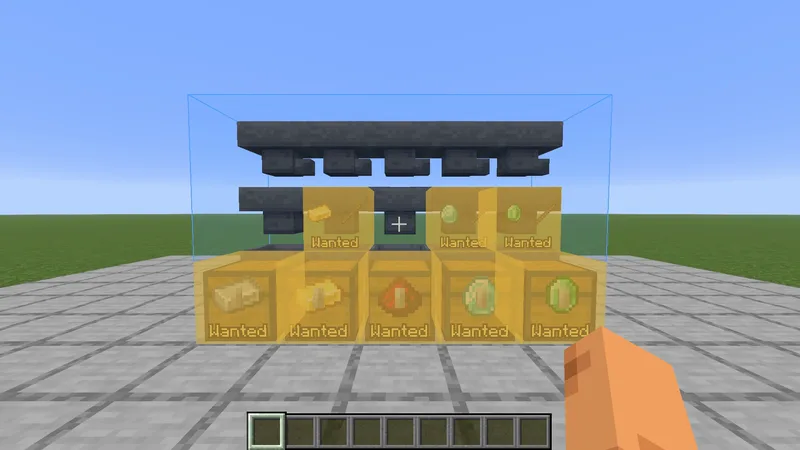
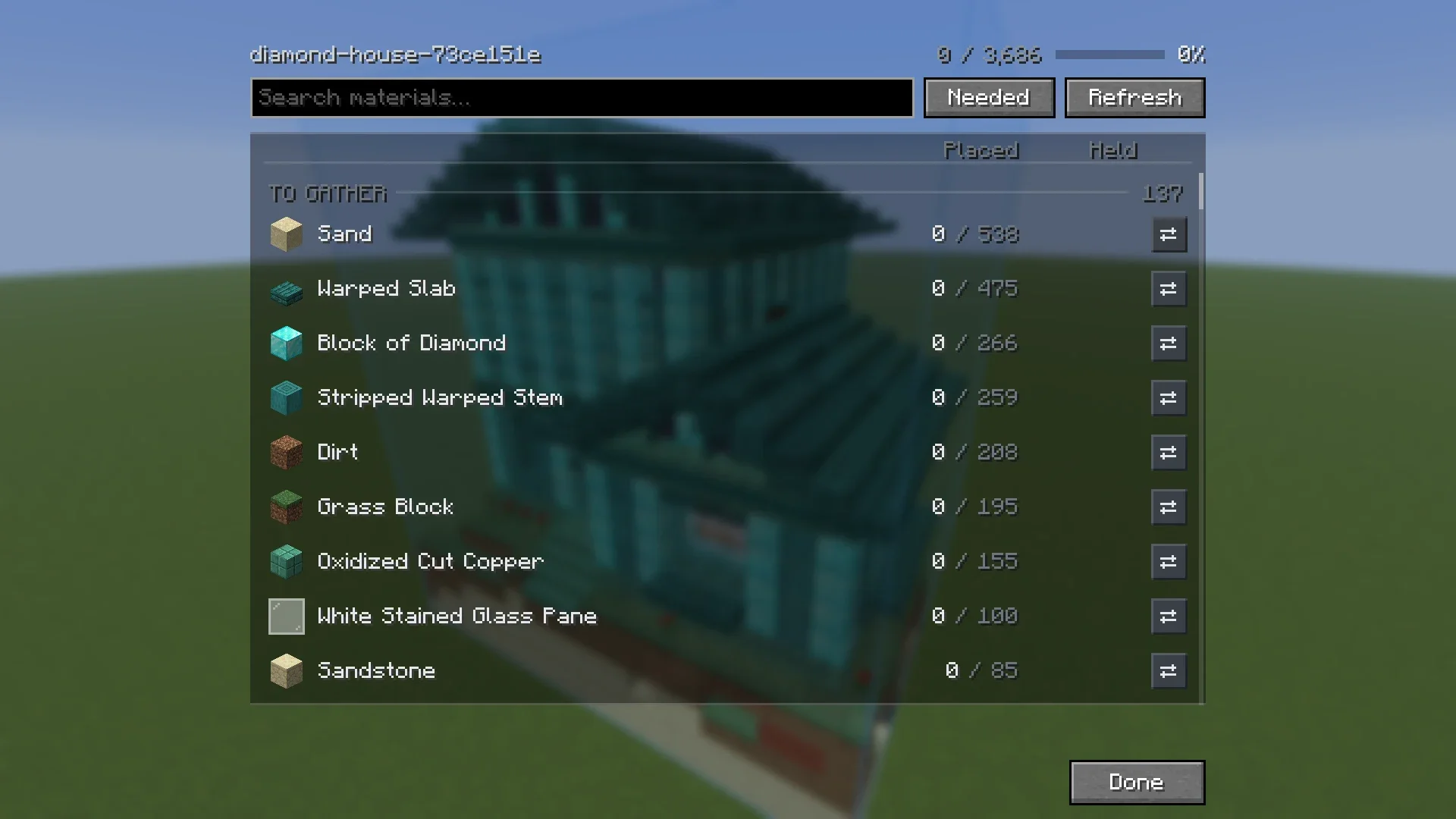
  • Material list: N / M placed, what is left, stray blocks, even the dyes and glow ink your signs need
  • Status overlay colour-codes the build: green correct, amber wrong state, red wrong block, purple extra
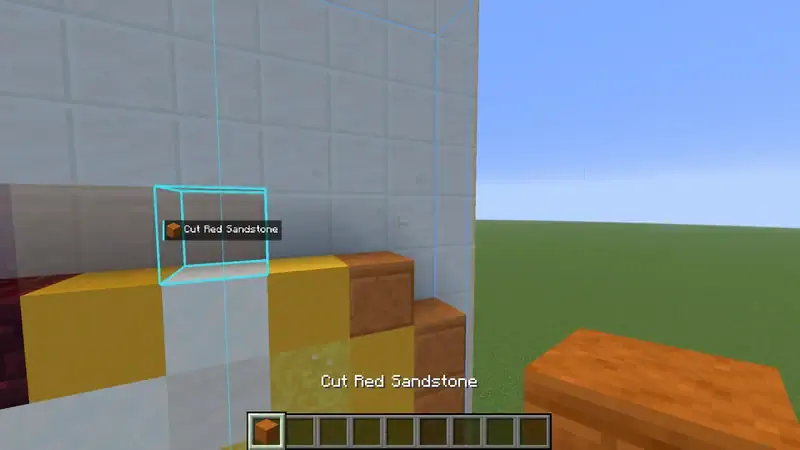
  • Next-block highlight points at the next cell to place, aware of what is actually in your inventory

Places it for you — survival-legal

Turn on build assist and right-click the ghost to place the exact block the schematic wants — correct block and orientation, with normal placement that never breaks your blocks.

  • Gets the fiddly stuff right: repeater and comparator settings, candle and snow counts, slabs, doors, sign text
  • Borrows the right tool — shovel, flint & steel, axe, hoe — and pulls blocks from your inventory as you go
  • Hold right-click to sweep across cells; middle-click picks a cell’s block into your hand
  • Stays out of the way: places past chests, and will not fill spaces meant to stay air

Make your own schematics

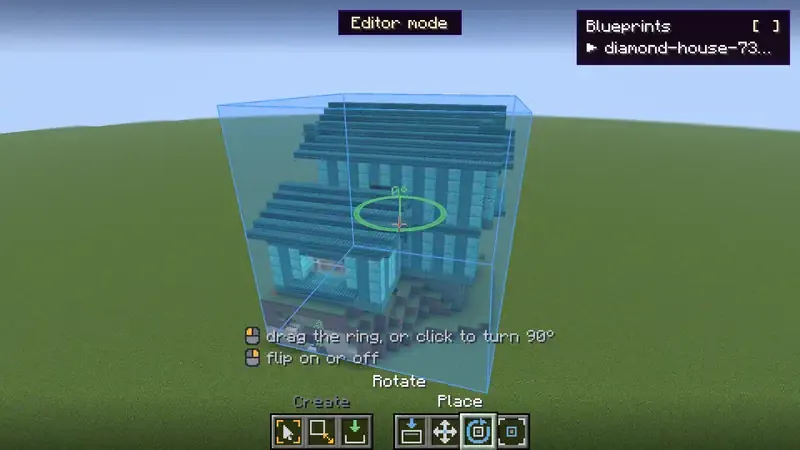
Press B for a selection editor built for survival, where you cannot just fly around.

  • Freecam detaches and flies while your body stays frozen safely in place
  • Click two blocks to outline a region; shift-click to add more in one schematic
  • Grab a corner for a colour-coded axis gizmo and drag, snapped to blocks
  • Save to .litematic — blocks, block entities and entities — and it drops in as a ghost immediately

Opens just about anything

Every format translates into one rich internal model, so there is no proprietary lock-in.

  • Reads .litematic, .schem, .schematic, .nbt, and Axiom .bp
  • Writes .litematic — the richest widely-supported format (name, author, multi-region)
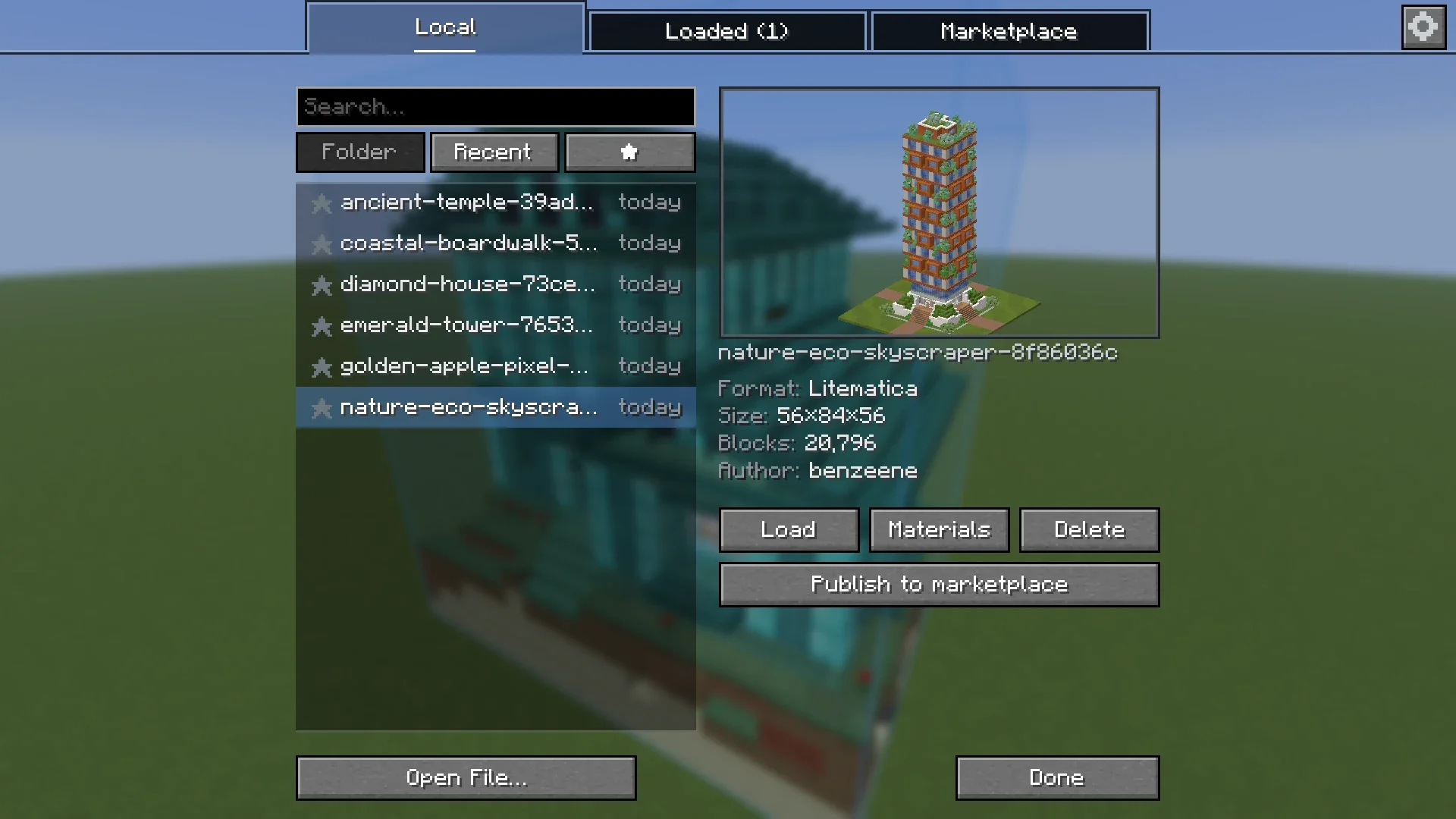
  • Load via the OS picker, drag onto the window, or drop into your schematics folder
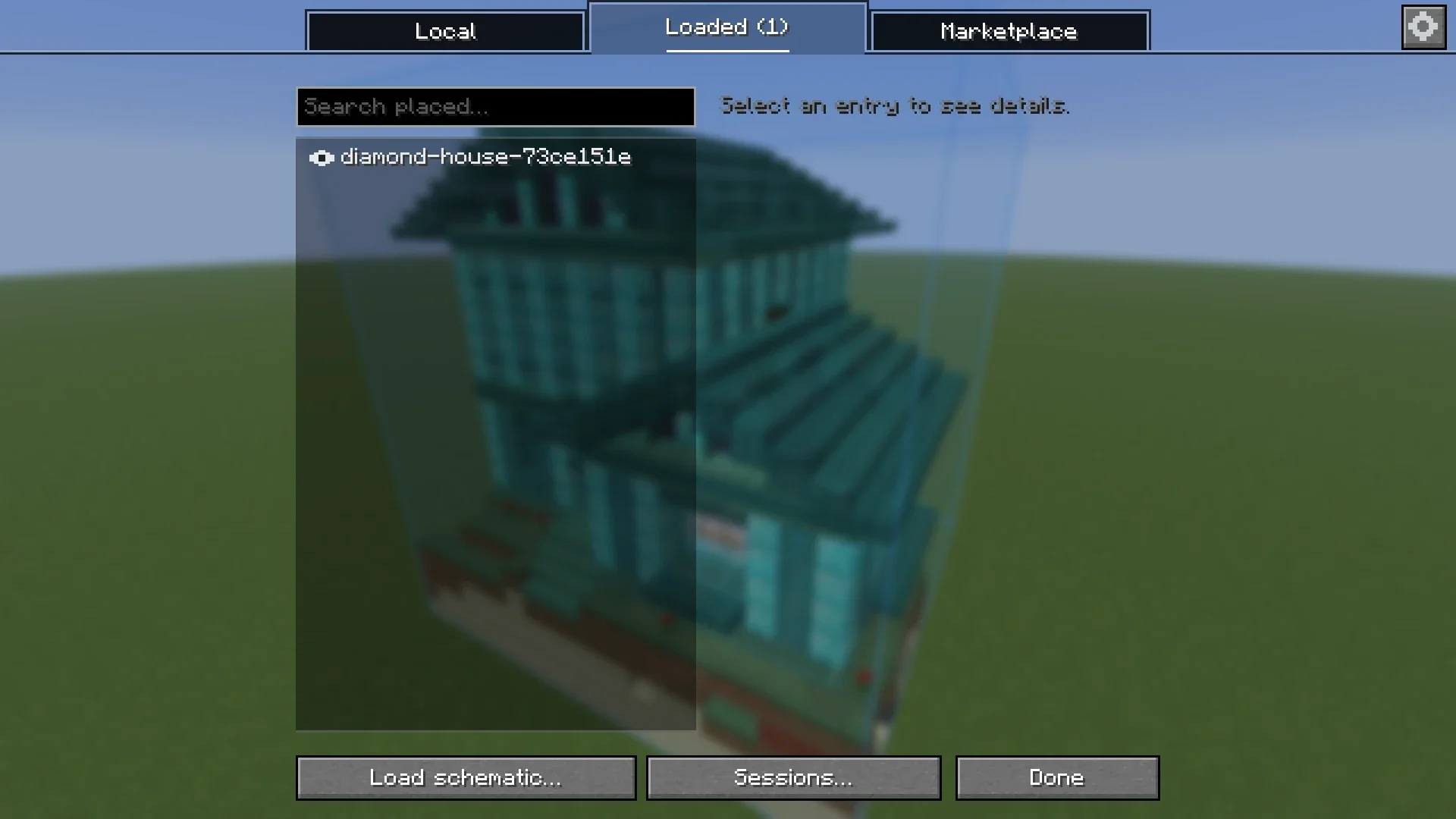
  • Remembers placements per world and server, with one-click import from Litematica

Give Buildprint a try, then come tell us what you think.