
The brush panel
Species, trees, spread, ground, placing and saved brushes, with the world still in view.
B or Tab in paint mode. The panel opens down the left, so the world and the brush card stay in view, and every change applies at once. B, Tab or Esc go back to painting. The Tree picker... button, on every page, picks another tree with its wood, leaves and shape.
Species #
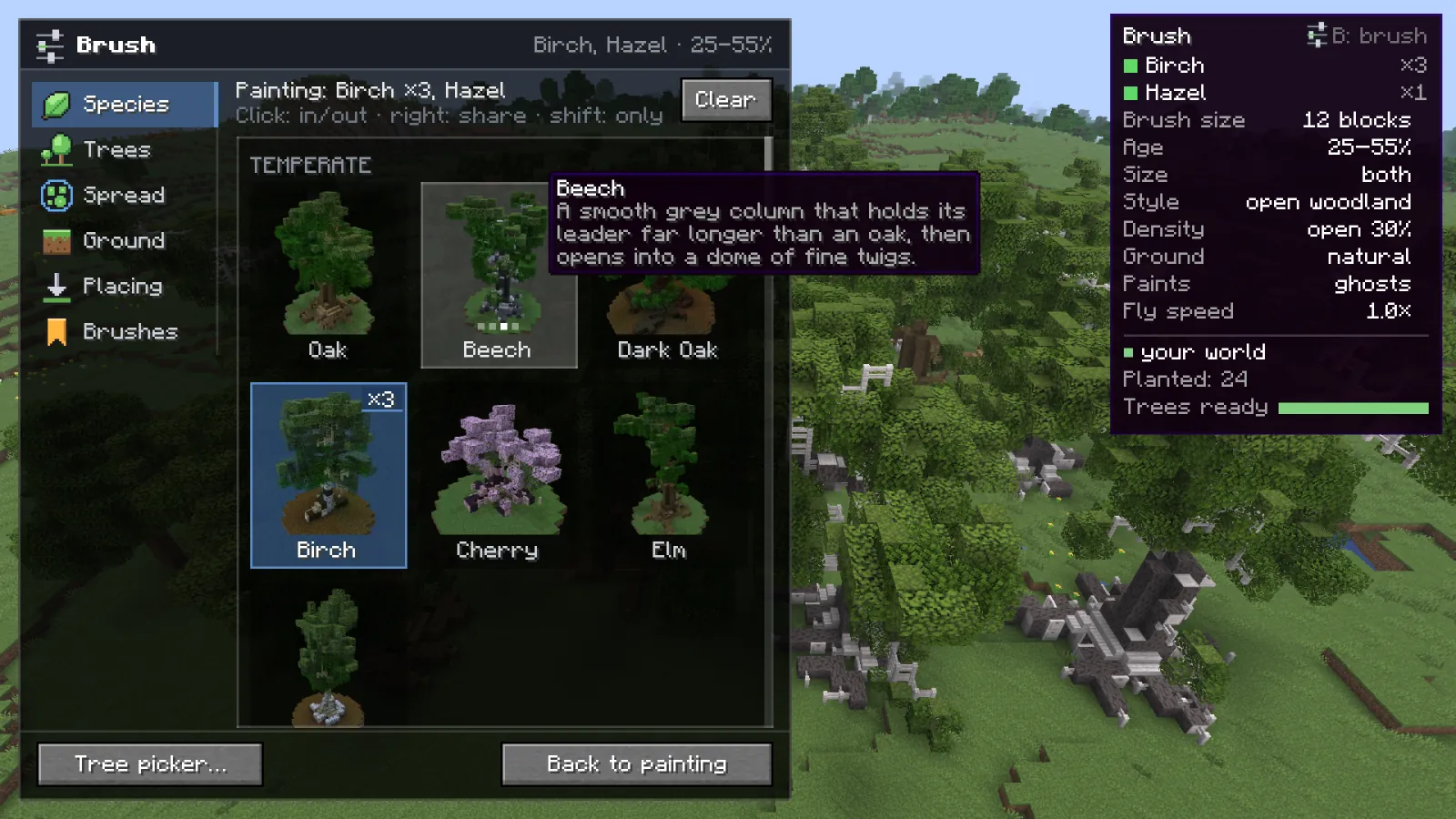
Click a species to add it to the brush or take it out. Right click gives it a bigger share, from x1 to x5: a species with twice the share gets twice the ground, as wider patches rather than more of them. Shift+click paints only that one, Clear goes back to one species. A brush needs at least one species.
| Key | Action |
|---|---|
| Click | Add a species to the brush, or take it out |
| Right click | A bigger share for that species (x1 to x5) |
| Shift+Click | Paint only that species |
| BorTaborEsc | Back to painting |
 Right click
Trees #
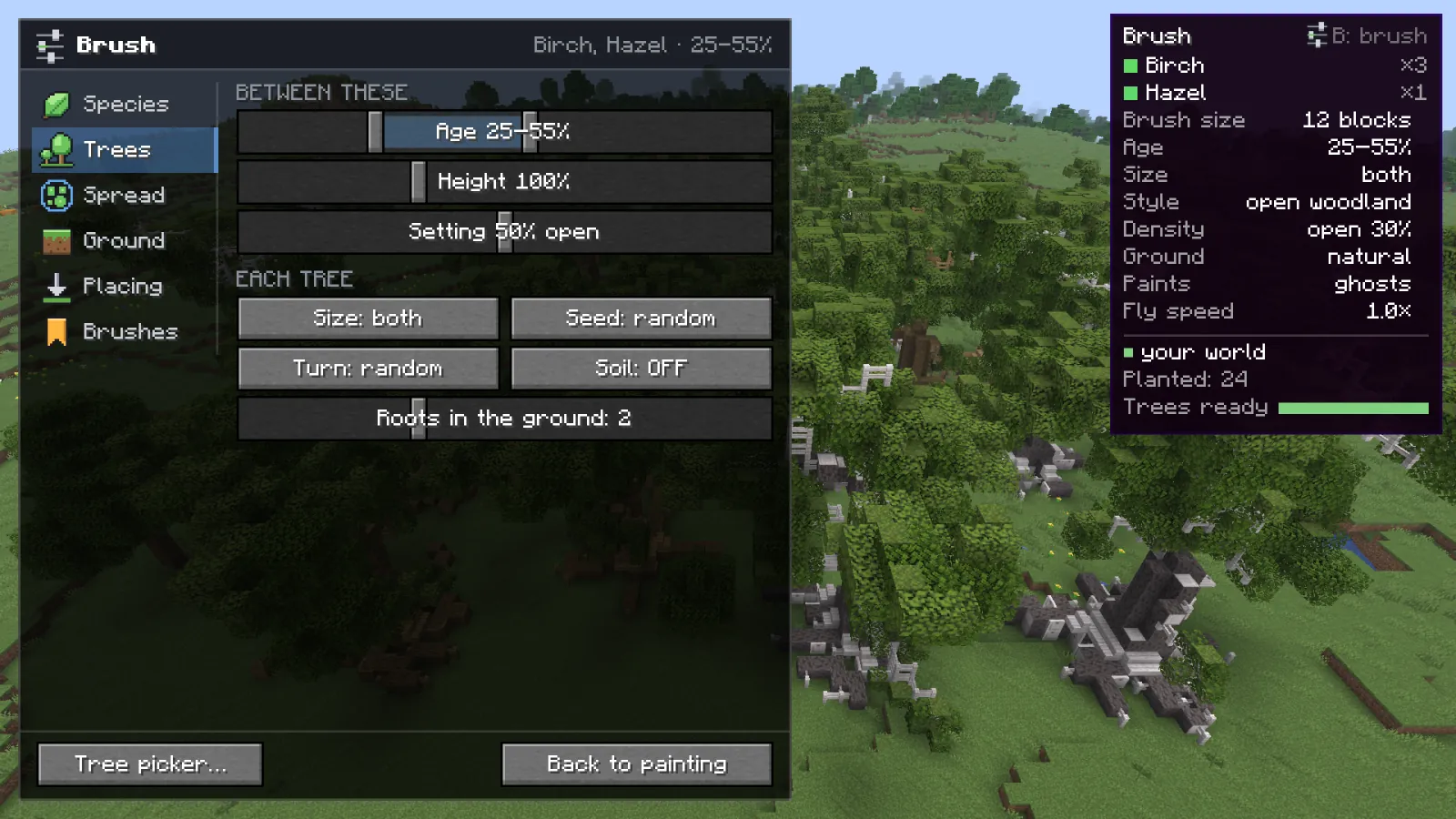
- Age default 50-80%
- A range. Neighboring trees get ages close to each other, so the wood has stands of old and young.
- Height default 100%
- A range, as a share of the species' own height at that age.
- Setting default in between
- A range from forest-grown to open-grown.
- Size default full
- Full, small or both.
- Seed default random
- Random gives each tree a new seed, so no two are alike. Same keeps the picked tree's seed for all of them; only the ranges vary.
- Turn default random
- Turns each tree a random quarter and mirrors some, so the same tree does not face the same way twice.
- Soil default off
- Lays the species' soil under each tree. Off keeps the ground that is there.
- Roots in the ground default 2
- How deep the roots go into the ground. They push through soil, sand, gravel and stone, never through anything built.
Spread #
Brush size, style, density, clearings, species mixing and Paints, with a sample stroke drawn as you change them. See Spread and styles.
Ground #
What the brush plants on, how steep a spot may be, and what a tree may replace. See Ground and slope.
Placing #
How blocks get into the world, and which ways work where you are, with the reason when one does not. See Placing on servers.
Brushes #
Give the brush a name and save it. Saved brushes load with one click, and can be deleted there.
Something missing or wrong on this page? Say so on Discord.