
Getting started
Install Wildform and plant your first tree.
What you need #
- Minecraft 26.1, 26.2 or 26.3
- Fabric Loader 0.16 or newer
- Fabric API
- Java 25, the same as Minecraft 26 itself
- An internet connection: the trees are grown by the tree generator on voxelsprout.com
- BuildPrint, optional, to put trees into blueprints and to use Wildform in survival
Install #
- Install Fabric Loader for your Minecraft version.
- Download Wildform from Modrinth and Fabric API.
- Put the files in the
modsfolder of your Minecraft folder. - Start the game. The same Wildform file works on 26.1, 26.2 and 26.3.
Wildform is not released yet, so the Modrinth page opens with the first release. Early builds are on Discord.
Wildform runs on your computer only. Nothing is installed on the server.
Your first tree #
- Join a world and press J. The tree picker opens with the species as pictures.
- Click a species. The preview on the right grows it. Drag the preview to turn it, scroll to zoom.
- Press Paint. You are in paint mode, with the one-tree tool.
- Point at the ground. The next tree shows as a ghost where it will stand.
- Left click to plant it. Right click first to turn it, R for another tree of the same kind.
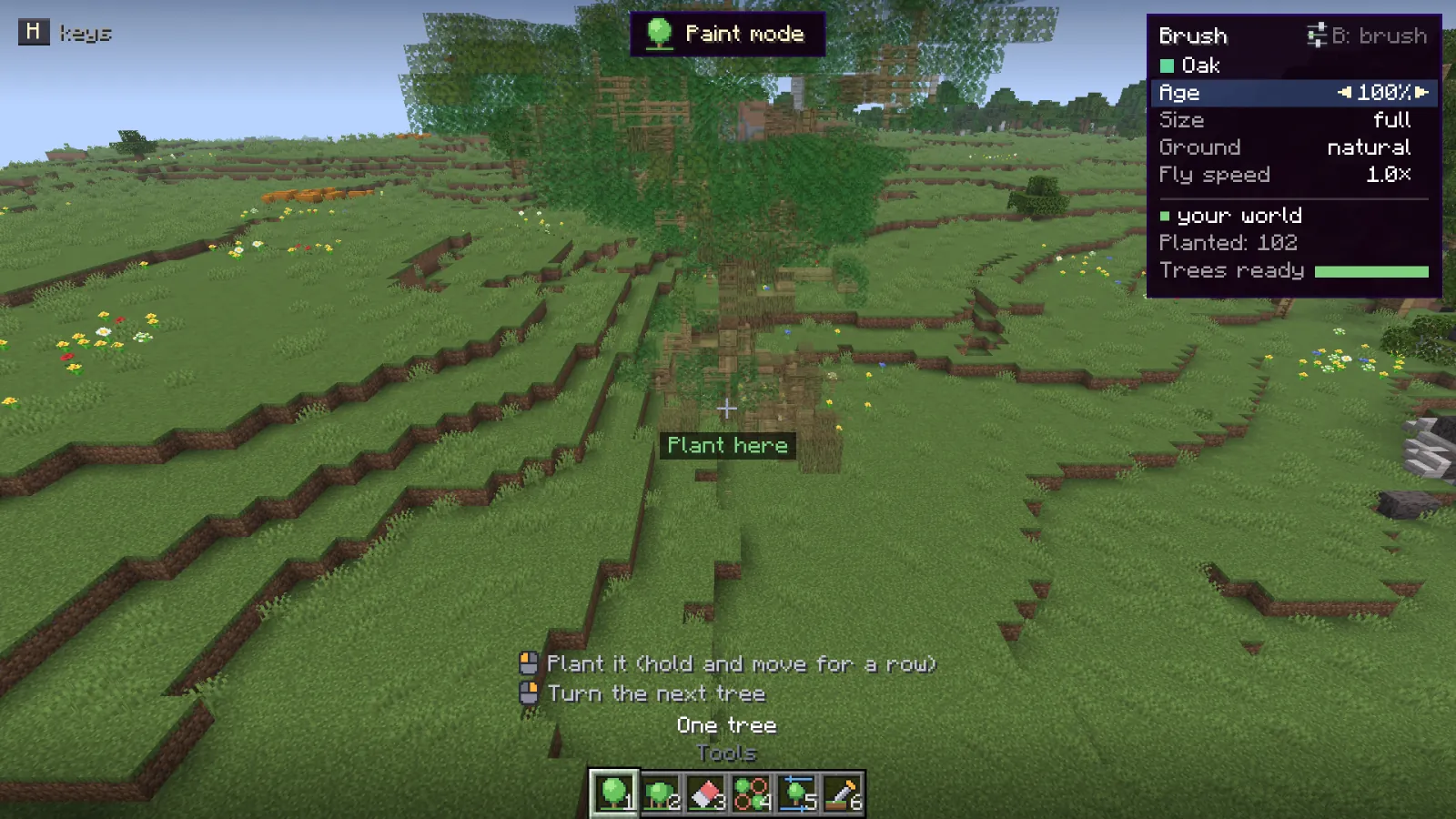
Press Z to take it back, and K to leave paint mode.
Your first forest #
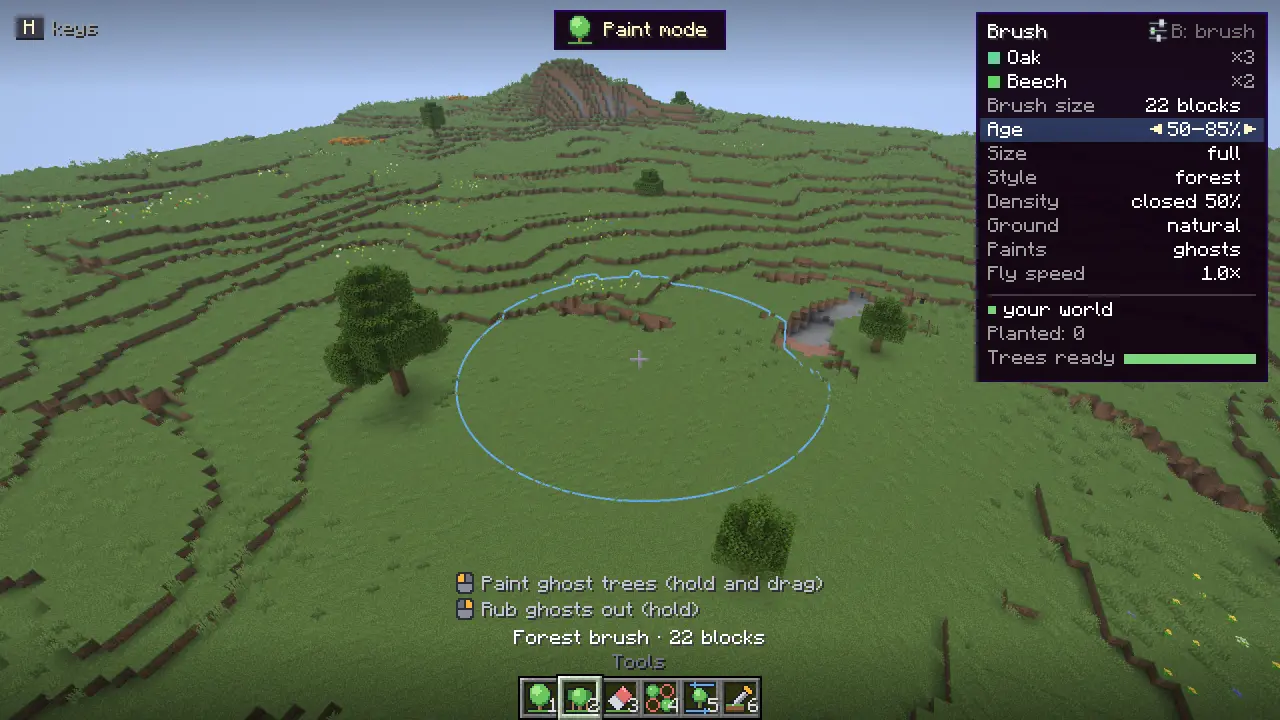
- In paint mode, press 2 for the forest brush. A ring shows its reach.
- Hold left click and drag over the land. Ghost trees appear where the brush finds room.
- Press Enter to plant them all as one stroke, or Backspace to throw them away.
Next: the tree picker, or paint mode and its The six tools.
Something missing or wrong on this page? Say so on Discord.