
Ghosts and undo
See a forest before it is placed, plant it in one go, and take it back.
By default the forest brush paints ghosts: see-through trees that show the wood before any block is placed. Paint over the same area again to add more, right click to rub ghosts out, and swap the ones you do not like.
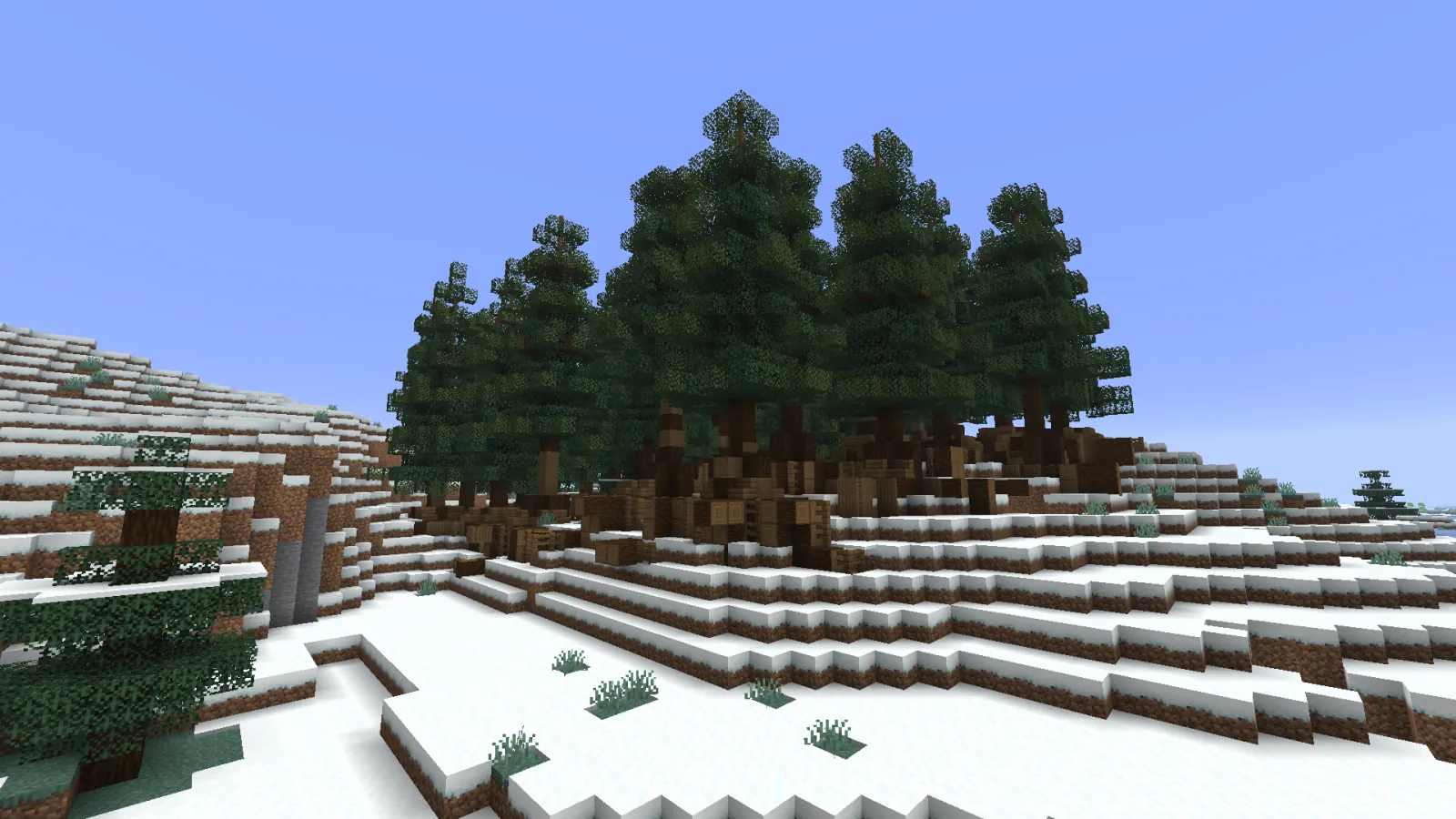
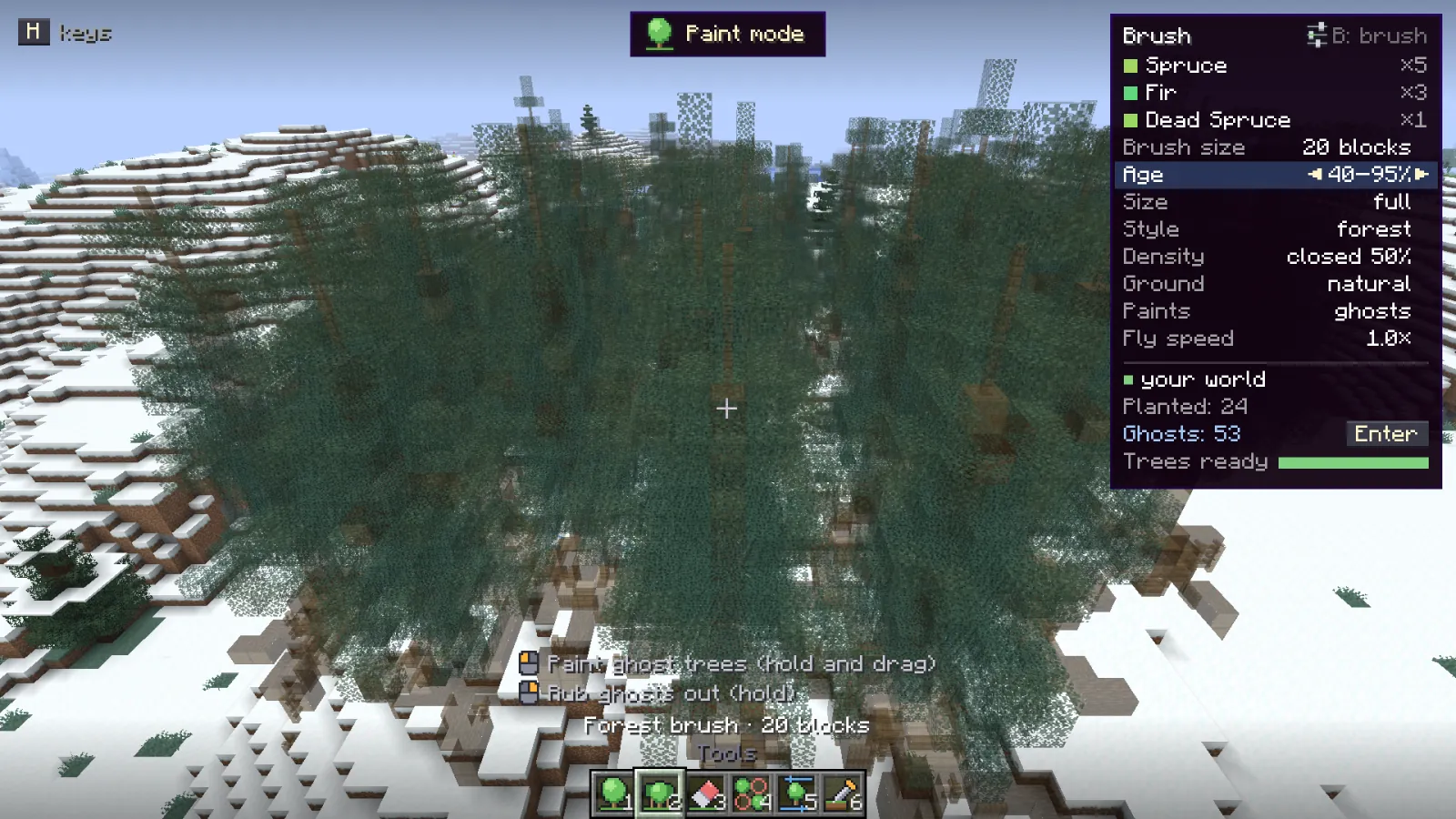
Planting #
- Enter plants every ghost as one stroke.
- Backspace clears the ghosts.
- At most 300 ghosts wait at once. Plant them to paint on.
Set Paints to trees at once, on the brush card or the Spread page, and every tree goes in as you paint, without ghosts.
Undo and redo #
- Z undoes, Y redoes.
- Ghost batches are undone first, then planted strokes, a whole stroke at a time.
- Erasing and thinning are steps too.
- The history keeps the last 64 steps of the current session.
With a BuildPrint blueprint as the way to place, undo, redo and the eraser change the blueprint. See BuildPrint and survival.
Something missing or wrong on this page? Say so on Discord.