
Ground and slope
What the brush plants on, how steep a spot may be, and how trees meet the terrain.
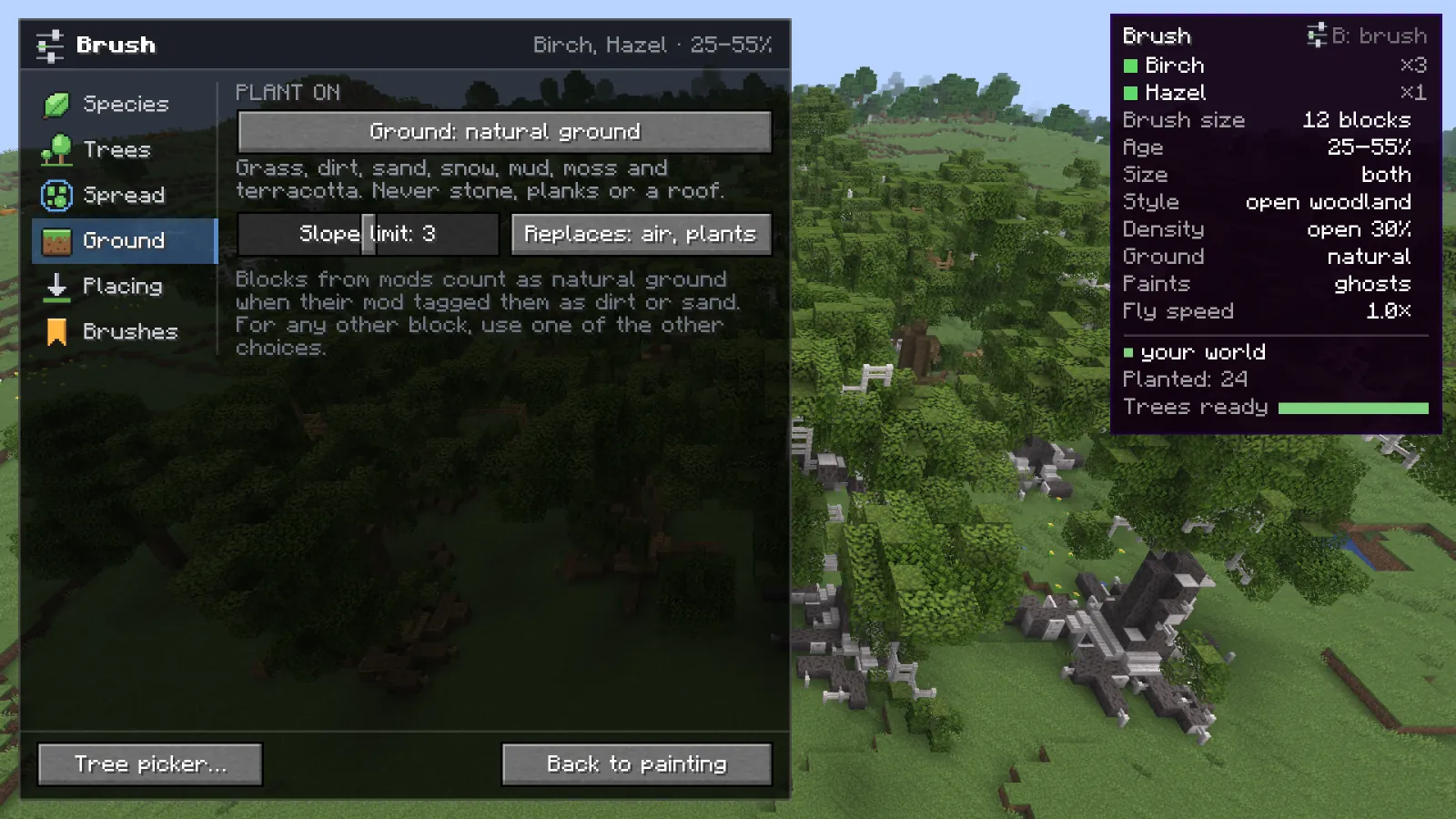
Plant on #
- natural ground default default
- Grass, dirt, sand, snow, mud, moss and terracotta. Never stone, planks or a roof. Blocks from mods count when their mod tagged them as dirt or sand.
- what the stroke starts on
- The block you start a stroke on is the ground for that stroke. Start on a terracotta floor and only the terracotta gets trees.
- blocks you picked
- Only the blocks in the list. Add them with Add pointed at or Add in hand, or with G in paint mode. Any block, modded ones too.
- anything solid
- Any solid block, roofs and floors included.
Slope and the foot of the trunk #
- Slope limit default 3
- How many blocks the ground may rise or fall under one trunk. Steps of one block are followed by the roots. Steeper than this and the spot is skipped.
- Replaces default air, plants
- Air and plants: the tree grows around anything solid in its way. Everything: it overwrites it.
A tree stands at the most common ground height under its trunk. The foot of the trunk follows one-block steps: it reaches down into a dip and drops what would be buried. Roots dig through soil and stone, and through the ground you picked.
Spots that are left alone #
Water, spots under the crown of a tree that was already there, and spots steeper than the slope limit. The HUD counts them; see Troubleshooting.
Something missing or wrong on this page? Say so on Discord.