
Search
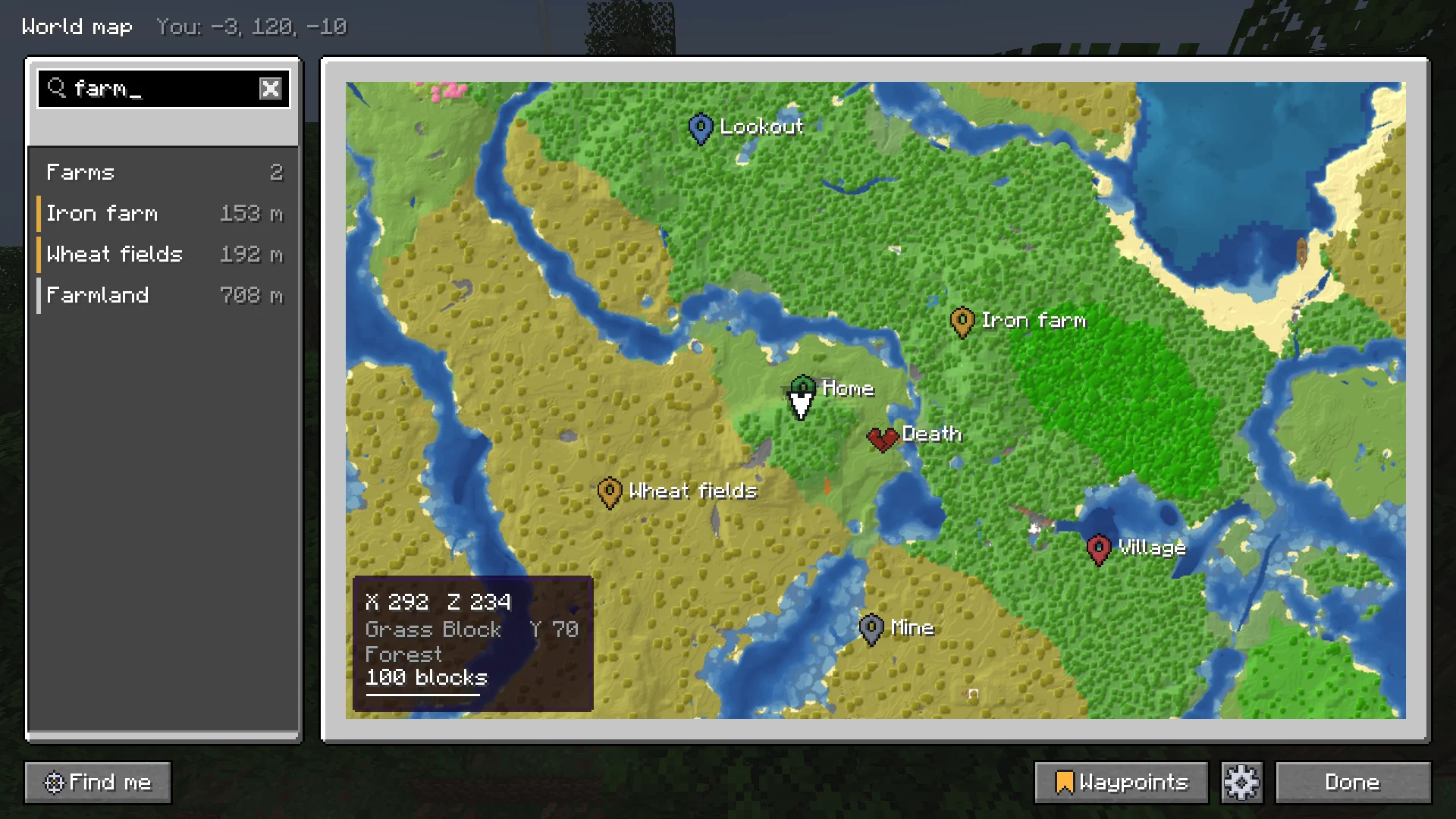
One box on the world map for waypoints and groups, coordinates, biomes, blocks, Buildprint's builds and Sorted's chests.
The box above the world map's column. Ctrl+F or T (the chat key) jumps to it, also in the waypoint list and the settings. Type, and Enter goes to the first result.
What it finds #
| Type | Example | Result |
|---|---|---|
| A waypoint | base | The waypoint. |
| A group | mines | The group with its waypoints under it; a click fits all of them on the map. |
| Coordinates | 120 -340 | That spot. |
| A biome | cherry | Places of that biome the map has seen. |
| A block | amethyst | Where the map has seen it. |
| Buildprint's builds | the build's name | The build, with how far along it is. |
| Other mods' marks | a claim or a town | Marks and areas other mods put on the map. See Markers API. |
| An item, with Sorted | iron ingot | The chests that hold it. Picking it lights them up in the world too. |
A result moves the map there and marks the spot. Biomes and blocks are found in what the map has seen, never past it. While it is still reading a big map, the box says how far along it is.
Picking a Sorted item lights its chests up in the world as well, the way Sorted's own search does. Esc leaves the box.
Next, you may want to
Something missing or wrong on this page? Say so on Discord.