
Waypoints
Mark places, the ones Charted makes for you, groups, the list, and editing a waypoint.
Make one #
- J opens a new waypoint where you stand.
- Right-click the world map: Waypoint here, or Go here for one that goes once you arrive.
- Click coordinates someone posted in chat. See Sharing in chat.
- New here in the waypoint list.
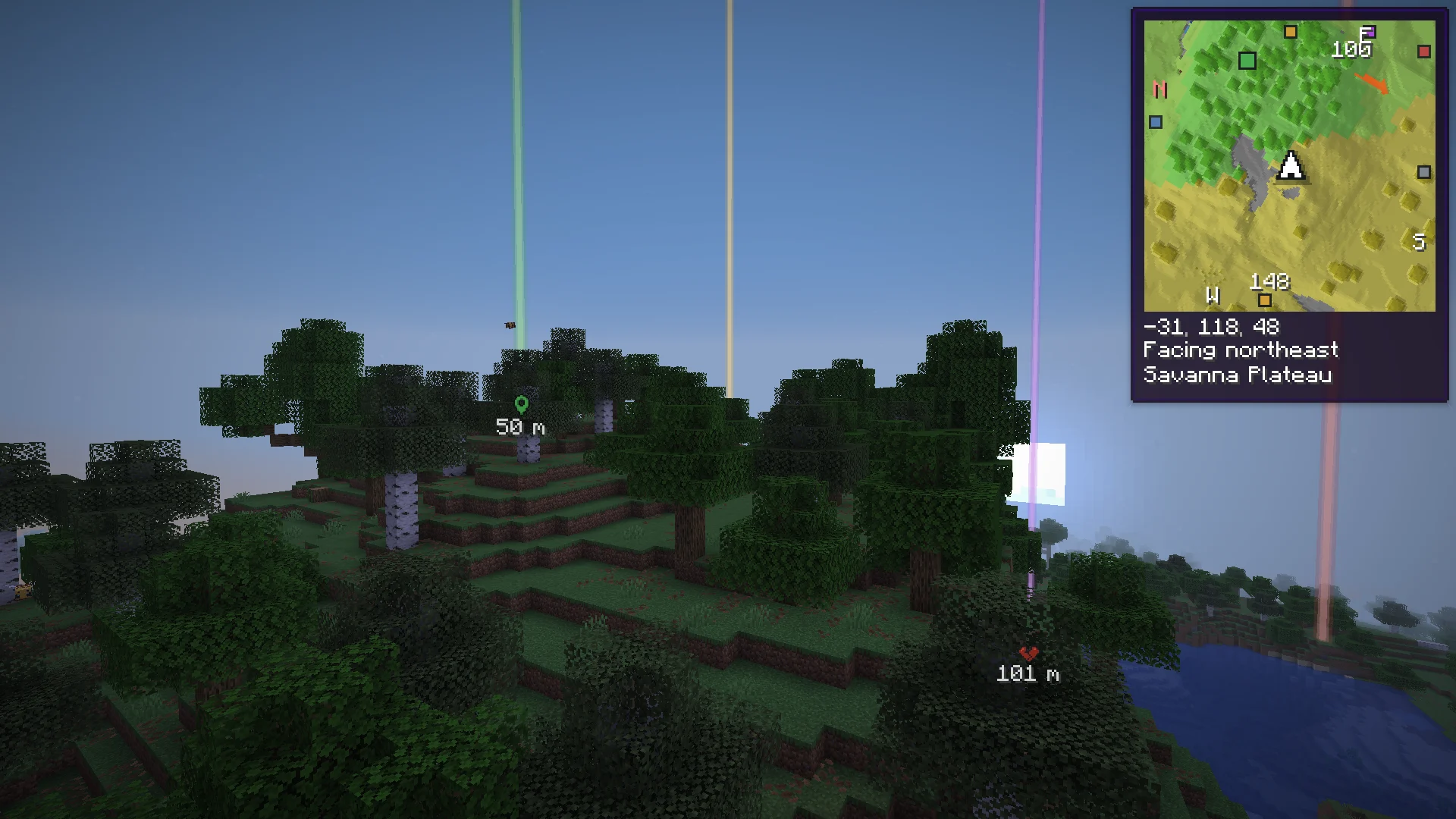
The waypoint editor #
| Field | What it is |
|---|---|
| Name | Shown on the maps and when you look at it. |
| Where | X, Y and Z. Y can be left empty. On a server that hides coordinates for map mods it says Coordinates hidden on this server. |
| Group | A folder of waypoints. The groups you have are a click away. |
| Color | For its pin, its dot and its beam. |
| Seen | Anywhere, or Nearby: in the world and on the minimap only within a number of blocks. The world map always shows it. |
| Beam | Default (out to the beam range in the settings), Off, or Within a number of blocks of its own. |
| Hide it on the maps and in the world | Kept, but out of sight. |
Made for you #
- Death points default Last 5
- Where you died, with a broken heart. It counts down until your items despawn and says "paused" while you are too far away for the game to count the time. The countdown goes once the items are picked up or gone, or when the server kept your inventory.
- Respawn point default On
- Where you came back after dying: your bed, your anchor or the world's spawn.
- Nether portals default Off
- Each nether portal you go through, on both sides, linked. Off by default: on a server most portals are someone else's.
- Banners on maps default On
- Banners you mark on a map you hold, in the group Map banners. Hold the map once, also from an item frame; a banner taken off the map takes its waypoint along.
- Lodestone compasses default On
- The lodestone each compass in your inventory points to, in the group Lodestones.
- Waystones default On
- With Waystones installed: every waystone you've activated, in the group Waystones.
The waypoint list #
/charted waypoints, Waypoints on the world map, the settings, or a key you set (Waypoint list). Search (T jumps there), sort by Nearest, Name or Group, show only This dimension, and Edit, Show on map, hide or Delete each one. New here adds one where you stand. Drop a waypoint file on it to import it.
Groups #
- Sorted by group, each group has a line of its own, in the list and in the world map's column. A click folds it.
- Its eye hides or shows all of it at once.
- A right click renames it, takes its waypoints out of it (Take out of the group, the waypoints stay) or deletes it with its waypoints.
Delete one #
- Look at it in the world and press Backspace. Chat says it is gone, with an Undo.
- In the list or its right-click menu: Delete, then click again to be sure. The menu stays open in between.
Temporary waypoints #
Go here on the world map, or Go there (gone once you arrive) on coordinates in chat, makes a waypoint named Destination. When you reach it, it is gone, and the line above the hotbar says so.
Next, you may want to
Something missing or wrong on this page? Say so on Discord.