
Swap materials
Build a schematic out of other blocks without changing the file.
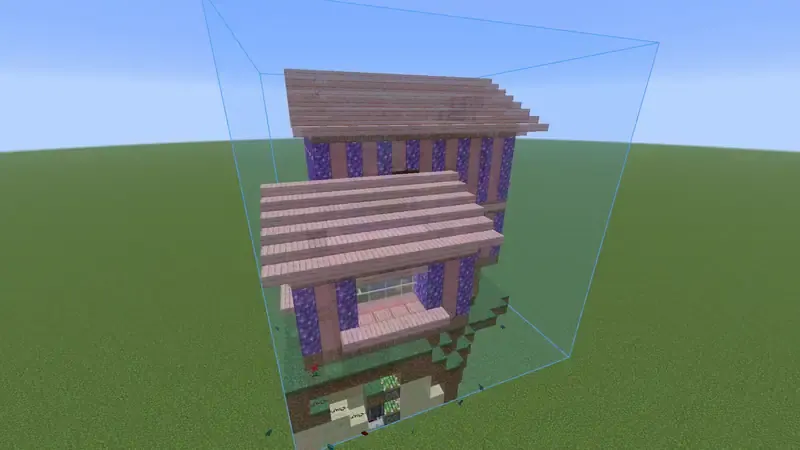
Swap a block #
- Open the Material list of the build.
- Click Swap on a row.
- Search for the block to use. Blocks that are already in the build and blocks you carry are marked.
- If the new block has settings of its own, choose how it is placed, then click Swap.
What follows the swap #
The ghost shows the new block, easy place and the printer place it, the colors check against it and the material list counts it.
- Direction and shape carry over where the new block has them. Oak stairs swapped for stone brick stairs face the same way.
- Don't build it leaves those blocks out.
- A swapped row shows the block it came from. Undo puts one back, and the button at the bottom undoes all swaps.
Swaps are kept with the placement, not in the file. They are still there after you log out and in again.
In a session #
In a session swaps apply to everyone. Only the owner and admins can swap.
Something missing or wrong on this page? Say so on Discord.