
Layer view
Show one layer of a build, or a few, and work through it from the bottom up.
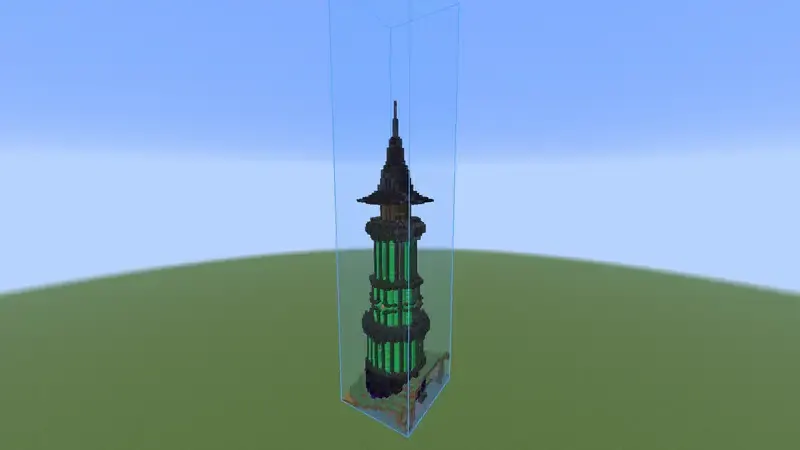
Turn it on #
- Open the Loaded tab and select the build.
- Click Layers to turn the layer view on.
- Use the arrows to go up and down. Click the layer number to jump to the layer you stand on.
- Use - and + to show more layers at once. Click the number to go back to one.
| Key | Action |
|---|---|
| . | Layer up, while you play |
| , | Layer down, while you play |
What follows the layer view #
- Easy place and the The printer only place in the layers on screen.
- The Status colors only mark those layers.
- The progress on screen counts those layers and says so, for example "layer 42%".
- The Material list can switch between This layer and Whole build.
The layer view is set per build and is remembered with it.
Something missing or wrong on this page? Say so on Discord.