
Paste
Put a whole build into the world in one go in creative mode, and take it back with undo.
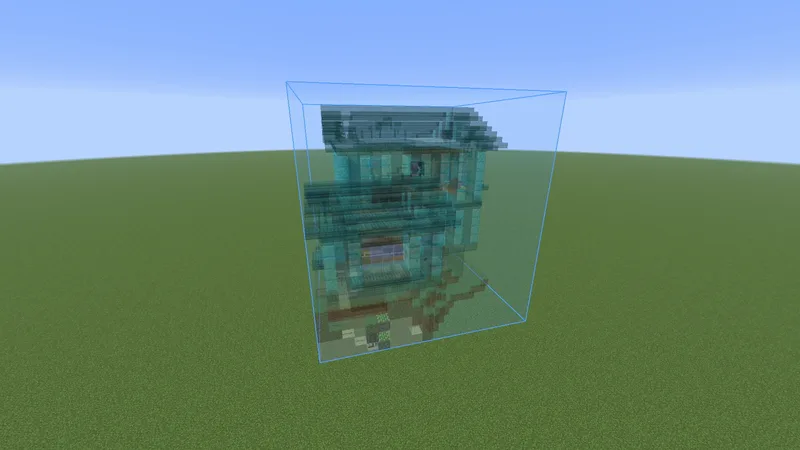
Use it #
- Switch to creative mode.
- Load the build and put it where you want it.
- Press M, open the Loaded tab, select the build and click Paste.
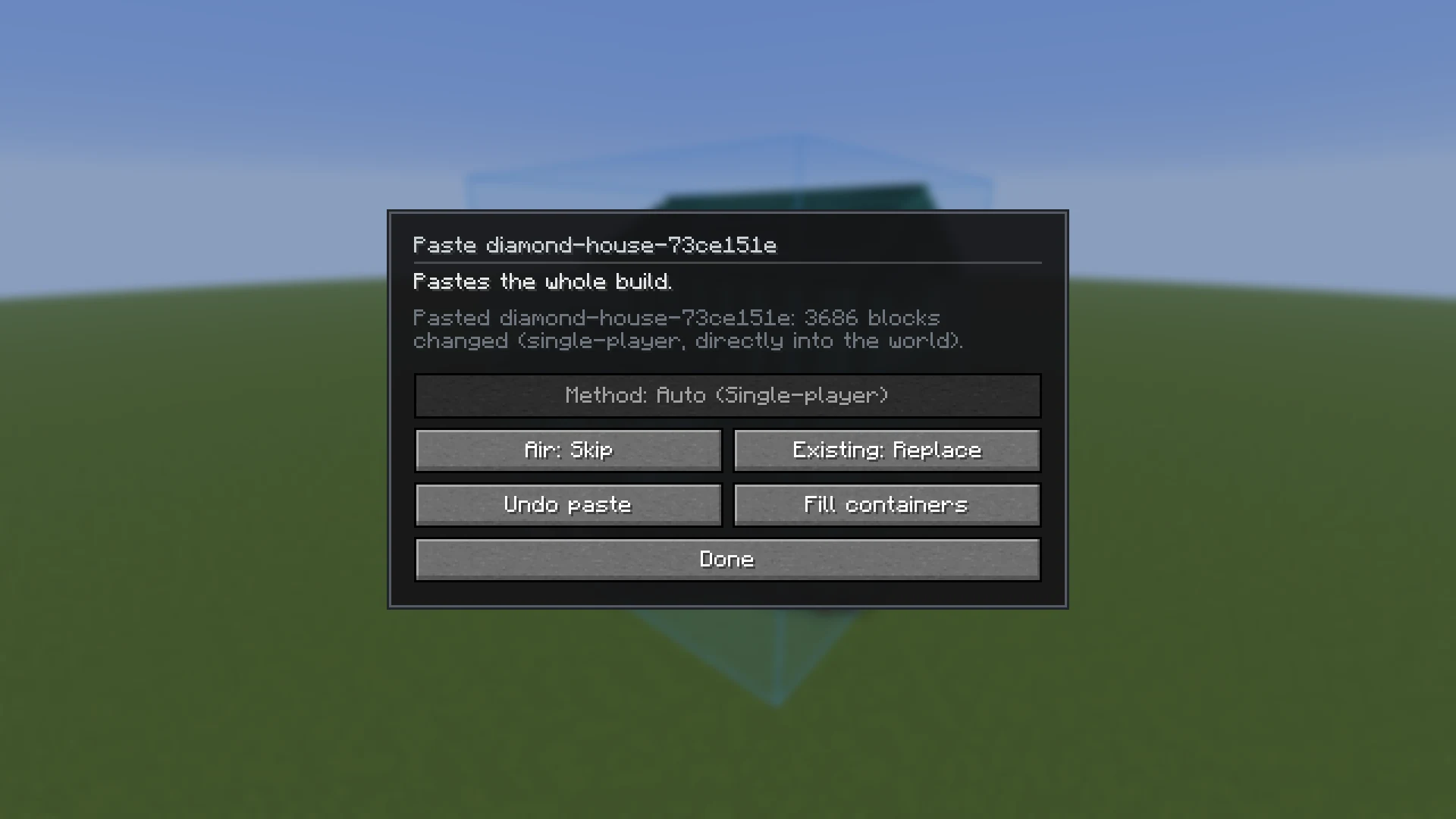
- Check the choices in the panel and click Paste.
The choices #
| Button | What it does |
|---|---|
| Air | Place: the schematic's empty space clears what is in the build's box. Skip: only its blocks are written, what is around them stays. |
| Existing | Replace: blocks already in the world are overwritten. Keep: only empty spots are filled. |
| Method | How the blocks get into the world. Auto takes the fastest way there is. Click to step through the ways that work in this world. |
With the Layer view on, only the layers in view are pasted. That is how you paste a big build a few layers at a time, or stay under a server's size limit.
Undo #
- Right after a paste the build's button reads Undo paste. Once you move, turn or flip the build it is Paste again, with undo as a small icon next to it.
/buildprint undotakes back the latest paste or container fill from chat.- The last 10 are kept per world, while you stay connected.
- In single-player and with BuildPrint Policy, undo also puts back what containers held. Through commands, Axiom or WorldEdit only the blocks are put back.
Fill containers #
Fill containers puts the schematic's items into the build's chests, barrels, hoppers and other containers that already stand in the world, without opening them. What they hold now is replaced. It works in single-player, with BuildPrint Policy (both can be undone) and with /data commands on other servers. See also Container contents.
How it pastes #
| Method | Where | Notes |
|---|---|---|
| Single-player | Your own world | Straight into the world. Chest contents and sign text included. |
| The server | Servers with BuildPrint Policy | The server writes the blocks itself. Quick, and no operator status needed. |
| Axiom | Servers with Axiom | Fast. Chest contents and sign text need permission for /data. |
/fill and /setblock | Servers where you are an operator | Packed into as few boxes as possible. |
| WorldEdit | Servers with WorldEdit | Chest contents and sign text need permission for /data. |
Without operator status a server lets commands through at about one a second, so pasting with commands or WorldEdit is slow there. If a server disconnects you for spam, BuildPrint sends slower on that server from then on.
Limits #
- Creative mode only.
- A server can turn paste off, or limit how many blocks one paste may change. See Servers.
- Entities such as armor stands and item frames are not pasted.
- Through Axiom, commands or WorldEdit, parts of the build in chunks your game has not loaded are skipped. Come closer and paste again with Existing: Keep.
Something missing or wrong on this page? Say so on Discord.