
Moving and aligning
Put a loaded build in the right spot: position, rotate, flip, and auto align.
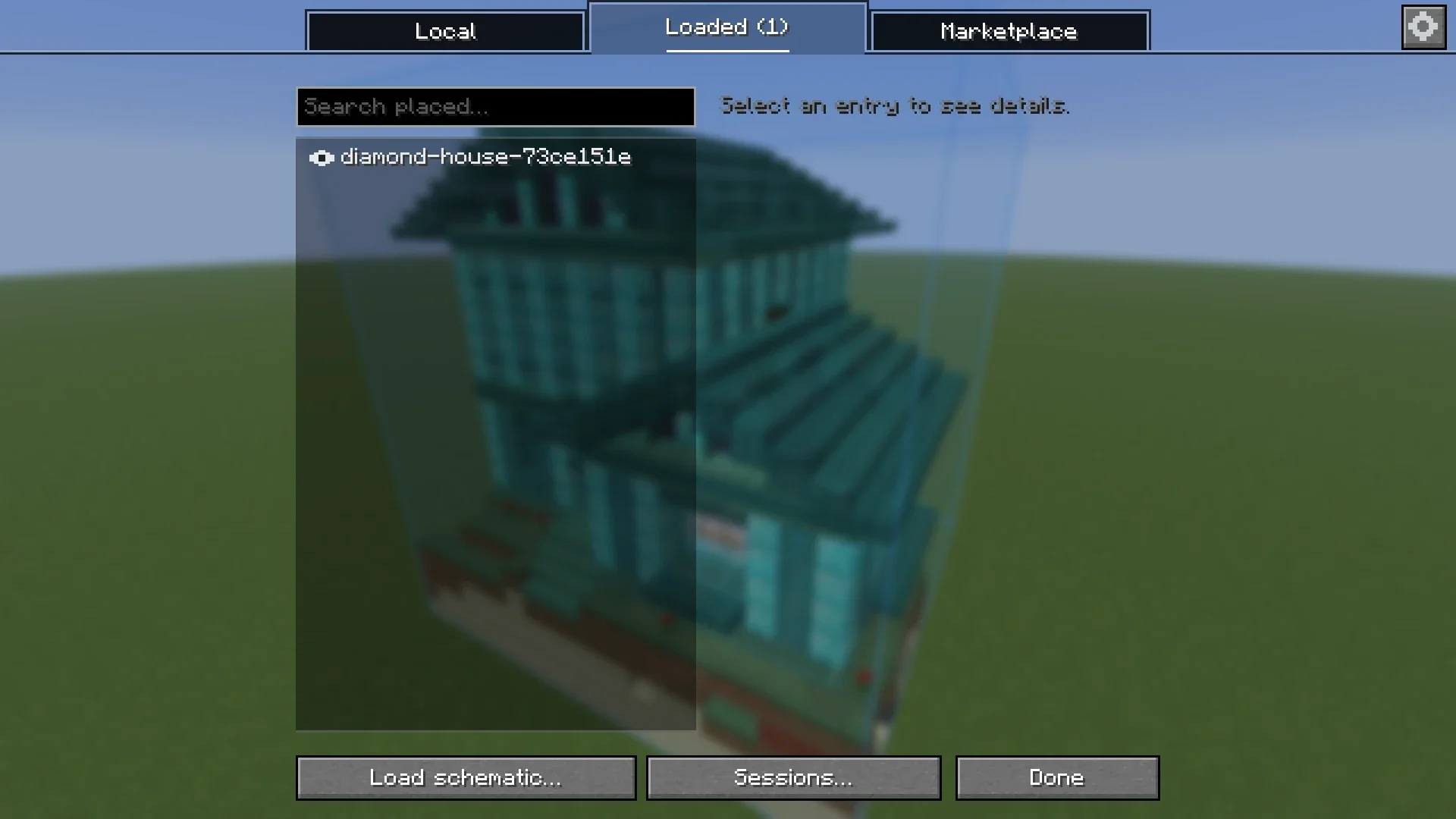
In the Loaded tab #
| Control | What it does |
|---|---|
| Position (X / Y / Z) | Type the coordinates of the build. |
| Me | Moves the build to where you stand. |
| Rotate | Turns the build a quarter turn clockwise around its own center. |
| Flip | Mirrors the build. Together with Rotate this reaches every orientation. |
| Auto | Lines the build up with the world around you. Click again to stop. |
| The eye | Shows or hides the build. |
| Remove | Unloads the build. The file stays. |
Every change shows in the world right away. Nothing needs to be loaded again.
Auto align #
Auto align finds where a build belongs. It is for a build that is already partly standing, or for putting a schematic back on the ground it was saved from.
- It first looks for the rarest blocks of the build in the world around you.
- If the build is not standing yet, it matches the terrain the schematic was saved with.
- It sets position, rotation and flip. If nothing matches well enough it says so and leaves the build where it was.
- It only reads chunks your game has loaded. Stand near the build.
The search radius is 12 by default. Change it with Auto-align search radius in the Settings. A larger radius takes longer.
In the editor #
The The editor has tools for the same things with the mouse: Place, Move, Rotate and Auto align.
Builds in a session #
A build that is shared in a session has its position set by the session. Only the owner and admins of the session can move it.
Something missing or wrong on this page? Say so on Discord.